Coming Soon AWS AWS DevOps Engineer Professional

Governance and Compliance Automation

PRJ-AWS-DOP-022

Multi-account governance with automated provisioning

~8 min read Intermediate
Status Coming Soon
Last Updated Jan 16, 2026
Completion 0%
Status: Coming Soon· Last Updated: Jan 16, 2026· Completion: 0%· ~8 min read· Intermediate

Estimated Monthly Cost

~$32/mo on minimal config
CodePipeline $10ECS $12CloudWatch $6S3 $4
Business ContextManual and inconsistent governance across multiple AWS accounts leads to configu…

The Problem

  • Manual and inconsistent governance across multiple AWS accounts leads to configuration drift and increased security vulnerabilities.
  • Slow and error-prone manual provisioning of new AWS accounts and resources hinders innovation and time-to-market for development teams.
  • Lack of centralized visibility and enforcement of compliance policies makes demonstrating regulatory adherence challenging and increases audit overhead.

The Solution

  • Implements AWS Control Tower to establish a well-architected, multi-account AWS environment with automated guardrails and centralized logging.
  • Utilizes AWS Service Catalog to provide pre-approved, standardized, and compliant AWS resources for self-service provisioning by development teams.
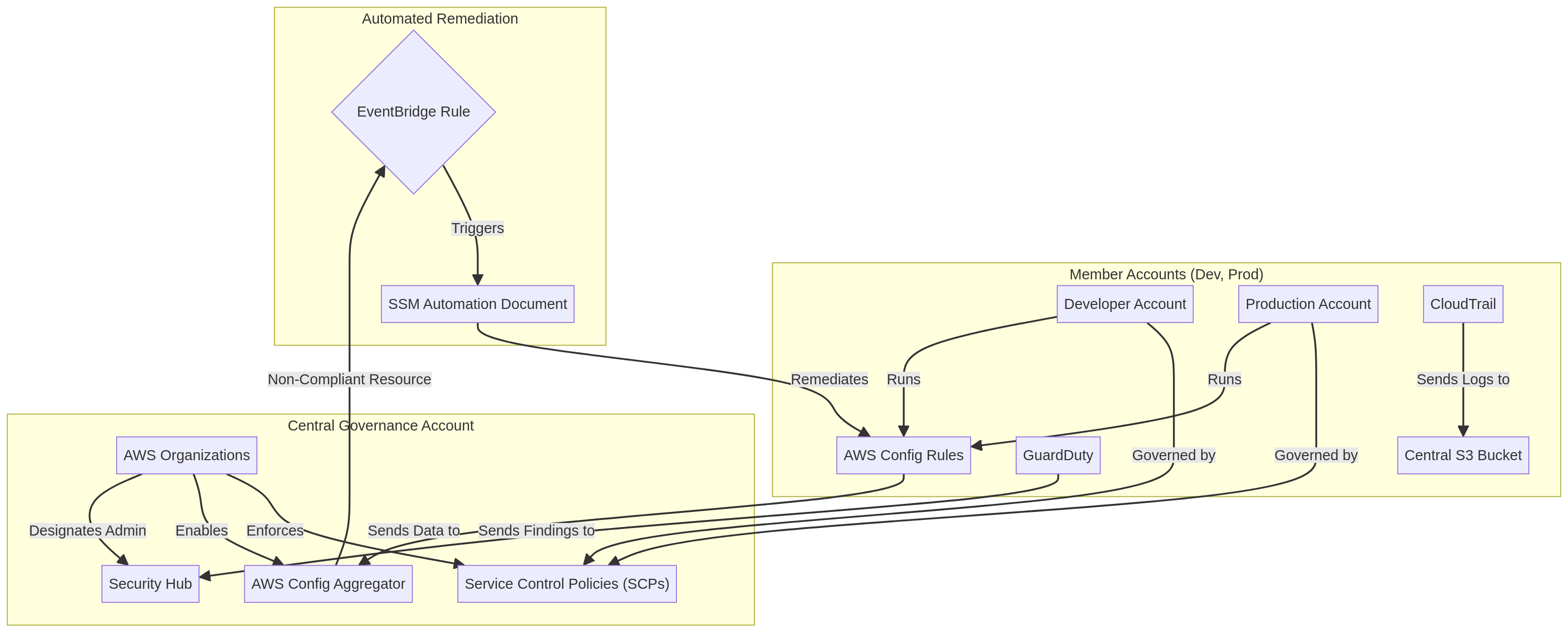
  • Leverages AWS Organizations for central management of multiple AWS accounts, applying Service Control Policies (SCPs) to enforce preventative controls.

Business Value

  • Reduces new account provisioning time from several days to minutes, accelerating project initiation by 90%.
  • Decreases compliance audit preparation effort by 40% through continuous monitoring and automated evidence collection.
  • Lowers the risk of misconfigurations and security incidents by 60% due to enforced preventative and detective controls.
  • Improves operational efficiency by automating governance tasks, saving an estimated 200 man-hours annually.

Risk Mitigation

  • Mitigates the risk of non-compliance fines by ensuring continuous adherence to regulatory standards through automated checks.
  • Reduces the likelihood of security breaches stemming from unapproved resource deployments or insecure configurations.
  • Addresses operational inefficiencies and human error associated with manual governance processes and resource provisioning.
  • Prevents unauthorized resource creation and cost overruns by enforcing budget and service limits across accounts.
GRC MappingNIST Cybersecurity Framework (CSF) v1.1: Identify, Protect, Detect, Respond, Rec…

Compliance Frameworks

  • NIST Cybersecurity Framework (CSF) v1.1: Identify, Protect, Detect, Respond, Recover functions for cloud environments.
  • ISO/IEC 27001:2013: Information security management system (ISMS) controls, particularly A.12 Operations Security and A.13 Communications Security.
  • SOC 2 Type 2: Trust Services Criteria (Security, Availability, Confidentiality) for service organizations.
  • AWS Well-Architected Framework: Operational Excellence, Security, Reliability, Performance Efficiency, Cost Optimization, and Sustainability Pillars.

Security Controls Implemented

  • Centralized Account Management: AWS Organizations provides a single pane of glass for managing and governing multiple AWS accounts.
  • Automated Baseline Security: AWS Control Tower establishes a secure baseline with preventative and detective guardrails across all accounts.
  • Standardized Resource Provisioning: AWS Service Catalog ensures only approved and compliant IT services are provisioned.
  • Continuous Configuration Compliance: AWS Config continuously monitors and records AWS resource configurations, evaluating against desired states.
  • Preventative Guardrails: Service Control Policies (SCPs) within AWS Organizations prevent actions that could lead to non-compliance or security breaches.

Audit Evidence

  • AWS Config conformance pack reports detailing compliance status against defined rules.
  • AWS Control Tower audit logs and CloudTrail records of account provisioning and guardrail enforcement.
  • AWS Service Catalog launch constraint logs and product version compliance reports.
  • AWS Organizations policy enforcement reports and SCP application status.

Regulatory Alignment

  • GDPR (General Data Protection Regulation) Article 25: Data protection by design and by default, through secure configurations.
  • HIPAA (Health Insurance Portability and Accountability Act) Security Rule § 164.306(a): Ensuring the confidentiality, integrity, and availability of electronic protected health information.
  • PCI DSS (Payment Card Industry Data Security Standard) Requirement 2: Do not use vendor-supplied defaults for system passwords and other security parameters.
  • SOX (Sarbanes-Oxley Act) Section 302: Corporate Responsibility for Financial Reports, by ensuring data integrity and access controls.

Video tutorial coming soon!

Subscribe to our YouTube channel to get notified when this tutorial is published.

Subscribe on YouTube

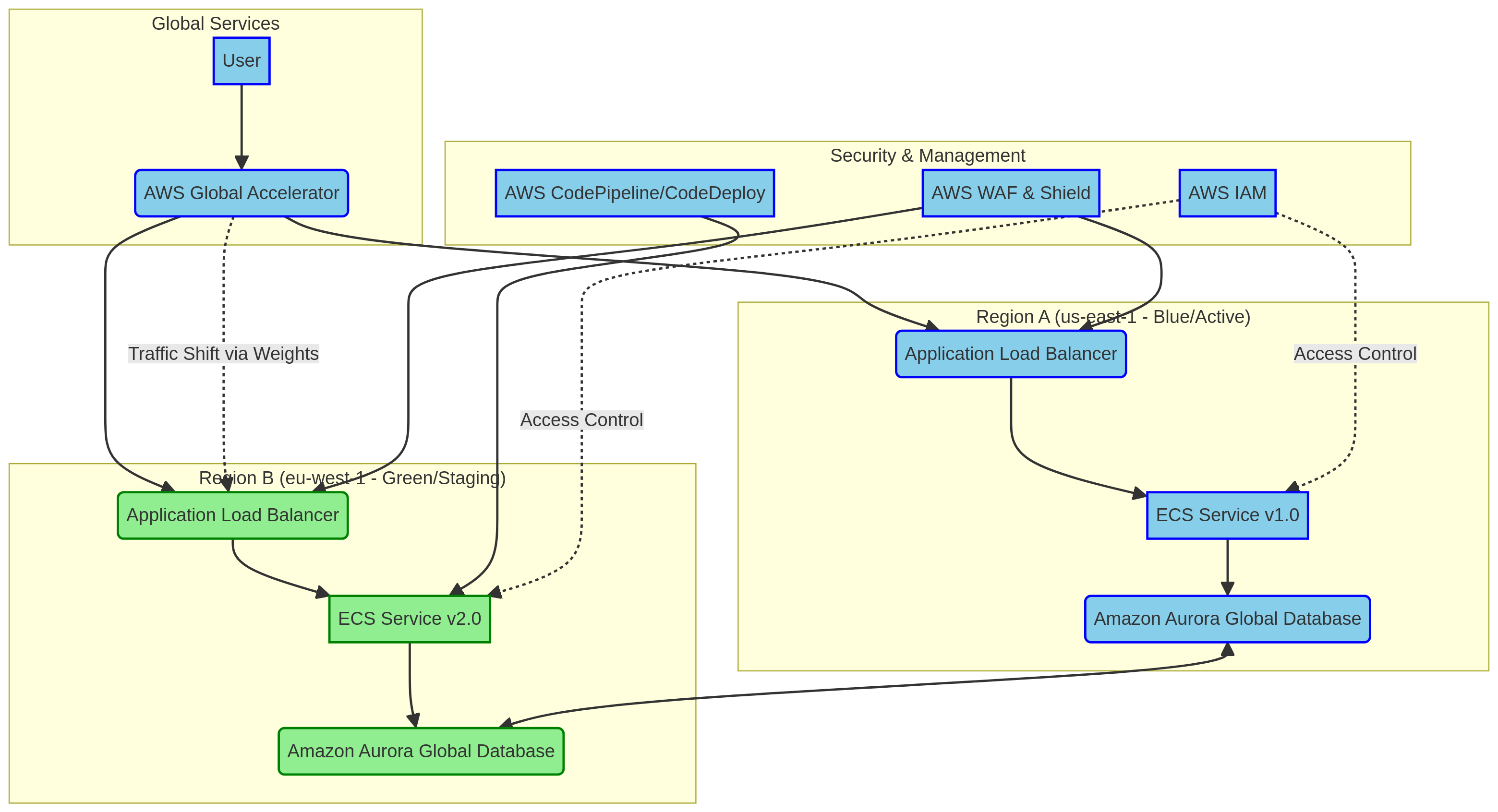
Architecture Diagram

PRJ-AWS-DOP-022 Architecture

Technology Stack

Service Catalog
Control Tower
Organizations
Config

Complete Documentation

Prerequisites

IAM Admin or PowerUser role
AWS CLI v2 configured
Terraform >= 1.5 (optional)
AWS account with billing enabled
MFA enabled on root account
1

Clone & Configure

Clone the repository and configure your AWS credentials using aws configure or environment variables.

aws configure --profile cloudguard
2

Review IAM Policies

Review and attach the required IAM policies to your deployment role. Ensure least-privilege access is applied.

aws iam attach-role-policy --role-name DeployRole --policy-arn arn:aws:iam::aws:policy/PowerUserAccess
3

Initialize Infrastructure

Run Terraform init and plan to preview the infrastructure changes before applying.

terraform init && terraform plan -out=tfplan
4

Deploy Resources

Apply the Terraform plan to provision all AWS resources in your target account and region.

terraform apply tfplan
5

Verify & Monitor

Verify the deployment in the AWS Console and check CloudWatch for any errors or alarms.

aws cloudwatch describe-alarms --state-value ALARM

Deployment Guide

Step-by-step instructions to deploy this mission

Download Guide

Architecture Diagram

Visual representation of the system architecture

Download Architecture

Source Code

Complete source code and configuration files

View on GitHub

Video Tutorial

Watch the complete walkthrough video

Watch Now