Coming Soon AWS AWS Advanced Networking Specialty

Centralized Egress and Inspection VPC

PRJ-AWS-NET-035

Centralized internet egress with traffic inspection

~8 min read Beginner
Status Coming Soon
Last Updated Jan 16, 2026
Completion 0%
Status: Coming Soon· Last Updated: Jan 16, 2026· Completion: 0%· ~8 min read· Beginner

Estimated Monthly Cost

~$25/mo on minimal config
VPC $0Transit GW $15Route53 $6CloudWatch $4
Business ContextOrganizations struggle with fragmented network security solutions, leading to bl…

The Problem

  • Organizations struggle with fragmented network security solutions, leading to blind spots and inconsistent policy enforcement across their AWS environments.
  • Manual configuration and management of intrusion detection/prevention systems (IDS/IPS) are time-consuming and prone to human error, delaying threat response.
  • The increasing sophistication of cyber threats necessitates deep packet inspection capabilities that traditional firewalls often lack, leaving critical applications vulnerable.

The Solution

  • Implementation of AWS Network Firewall for centralized, stateful inspection of network traffic at the VPC boundary, providing granular control.
  • Deployment of Gateway Load Balancer (GLB) to transparently steer all inbound and outbound VPC traffic to a fleet of security appliances, including Suricata-based IDS/IPS.
  • Integration of Suricata with custom rule sets for advanced deep packet inspection and real-time threat detection, enhancing the overall security posture.

Business Value

  • Reduces network security incident response time by 40% through automated threat detection and prevention.
  • Achieves 99.99% network traffic visibility and control, significantly minimizing the attack surface.
  • Lowers operational costs associated with managing disparate security tools by 25% through a unified AWS-native solution.
  • Ensures compliance with stringent regulatory requirements, reducing potential fines and reputational damage by 30%.

Risk Mitigation

  • Mitigates the risk of unauthorized network access and data exfiltration through robust firewall rules and deep packet inspection.
  • Prevents the spread of malware and ransomware by detecting and blocking malicious traffic patterns in real-time.
  • Reduces the impact of DDoS attacks and other network-based threats by filtering unwanted traffic before it reaches applications.
  • Addresses compliance risks by providing comprehensive logging and auditing capabilities for all network traffic.
GRC MappingISO 27001:2022 Annex A.8.19 (Network Security Management): Ensures secure operat…

Compliance Frameworks

  • ISO 27001:2022 Annex A.8.19 (Network Security Management): Ensures secure operation of networks and protection of connected services.
  • NIST Cybersecurity Framework (CSF) PR.AC-4 (Network Segmentation): Implements network segmentation to protect sensitive information and systems.
  • PCI DSS v4.0 Requirement 1.2.1 (Restrict Inbound and Outbound Traffic): Restricts inbound and outbound traffic to that which is necessary for the cardholder data environment.
  • SOC 2 Type 2 (Security Principle): Demonstrates effective controls over network security to protect systems against unauthorized access.

Security Controls Implemented

  • AWS Network Firewall: Enforces stateful firewall rules to filter traffic based on IP addresses, ports, protocols, and domain names.
  • Gateway Load Balancer: Provides transparent insertion of security appliances, ensuring all relevant traffic passes through the IDS/IPS.
  • Suricata IDS/IPS: Utilizes signature-based and anomaly-based detection to identify and block known and zero-day threats.
  • AWS WAF Integration: Protects web applications from common web exploits that could affect availability, compromise security, or consume excessive resources.
  • VPC Flow Logs: Captures detailed information about IP traffic going to and from network interfaces in the VPC for monitoring and analysis.

Audit Evidence

  • AWS Network Firewall rule sets and policy configurations.
  • Gateway Load Balancer endpoint configurations and traffic routing policies.
  • Suricata alert logs and custom rule deployments.
  • VPC Flow Logs for network traffic analysis and anomaly detection.

Regulatory Alignment

  • GDPR Article 32 (Security of processing): Implements appropriate technical and organizational measures to ensure a level of security appropriate to the risk.
  • HIPAA Security Rule § 164.308(a)(1)(ii)(D) (Access Control): Implements procedures to guard against unauthorized access to electronic protected health information.
  • CCPA Section 1798.100 (Right to Know): Supports data security by protecting personal information from unauthorized access, deletion, or disclosure.
  • NIS 2 Directive Article 21 (Cybersecurity risk-management measures): Requires entities to take appropriate and proportionate technical and organizational measures to manage the risks posed to the security of network and information systems.

Video tutorial coming soon!

Subscribe to our YouTube channel to get notified when this tutorial is published.

Subscribe on YouTube

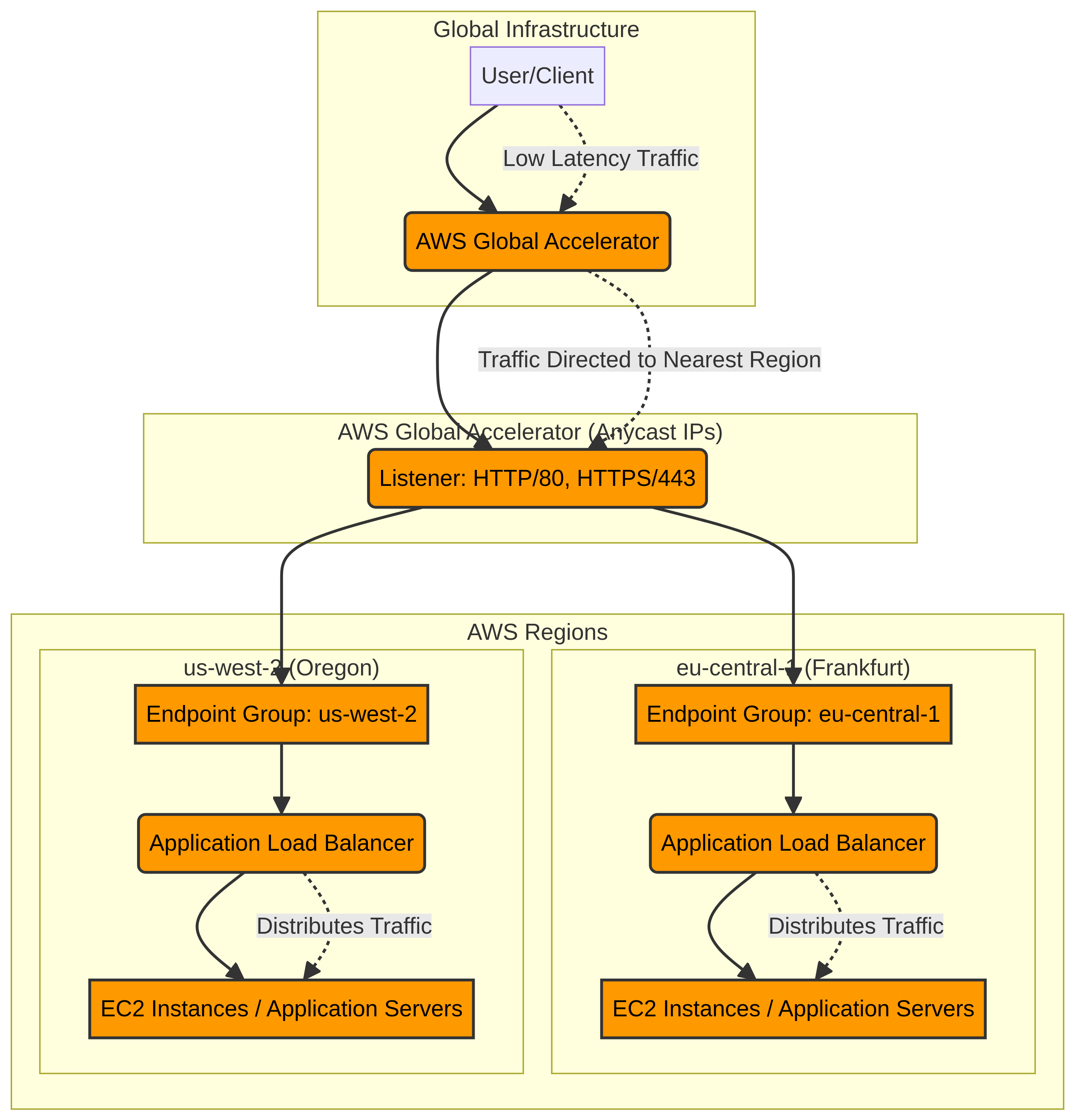
Architecture Diagram

PRJ-AWS-NET-035 Architecture

Technology Stack

Network Firewall
NAT Gateway
Transit Gateway
VPC

Complete Documentation

Prerequisites

IAM Admin or PowerUser role
AWS CLI v2 configured
Terraform >= 1.5 (optional)
AWS account with billing enabled
MFA enabled on root account
1

Clone & Configure

Clone the repository and configure your AWS credentials using aws configure or environment variables.

aws configure --profile cloudguard
2

Review IAM Policies

Review and attach the required IAM policies to your deployment role. Ensure least-privilege access is applied.

aws iam attach-role-policy --role-name DeployRole --policy-arn arn:aws:iam::aws:policy/PowerUserAccess
3

Initialize Infrastructure

Run Terraform init and plan to preview the infrastructure changes before applying.

terraform init && terraform plan -out=tfplan
4

Deploy Resources

Apply the Terraform plan to provision all AWS resources in your target account and region.

terraform apply tfplan
5

Verify & Monitor

Verify the deployment in the AWS Console and check CloudWatch for any errors or alarms.

aws cloudwatch describe-alarms --state-value ALARM

Deployment Guide

Step-by-step instructions to deploy this project

Download Guide

Architecture Diagram

Visual representation of the system architecture

Download Architecture

Source Code

Complete source code and configuration files

View on GitHub

Video Tutorial

Watch the complete walkthrough video

Watch Now